
How do I create a TV Everywhere account in My Account?
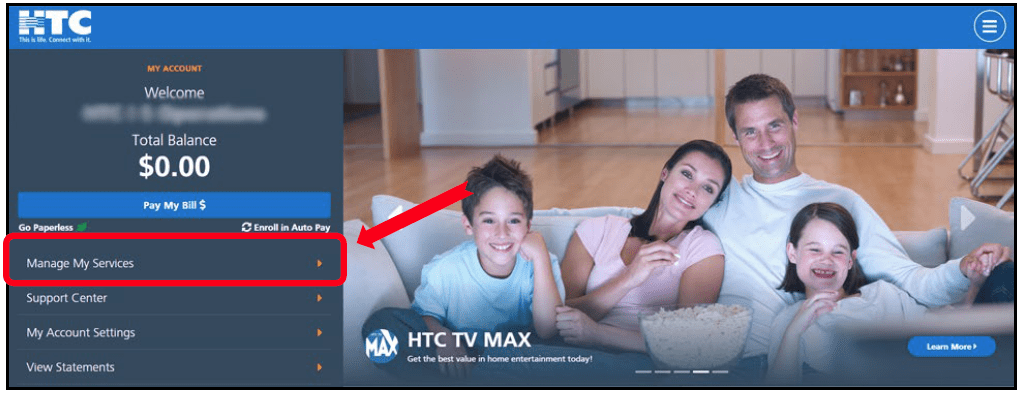
Log into HTC My Account and click on Manage My Services.
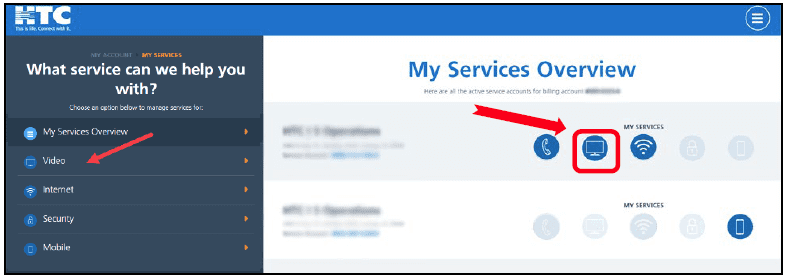
On the My Services Overview page, click on the Digital Video icon.
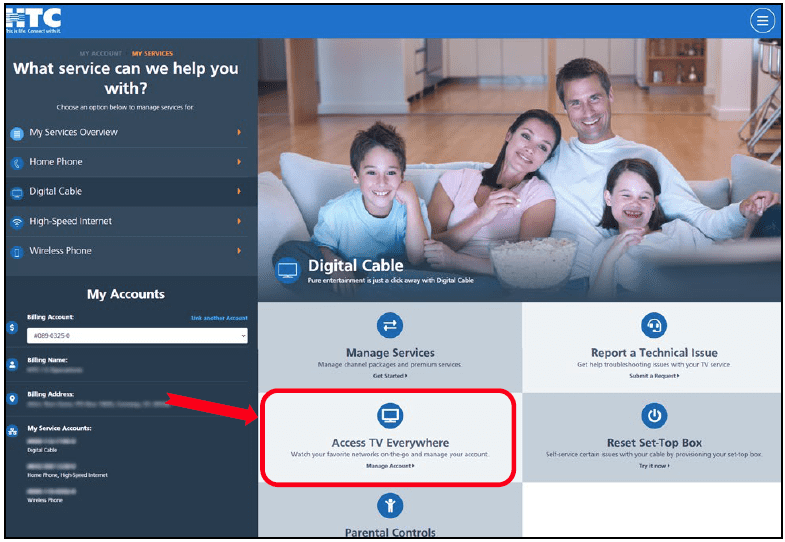
Scroll down and click on the Access TV Everywhere tile.
Add all the requested information and Add Account.
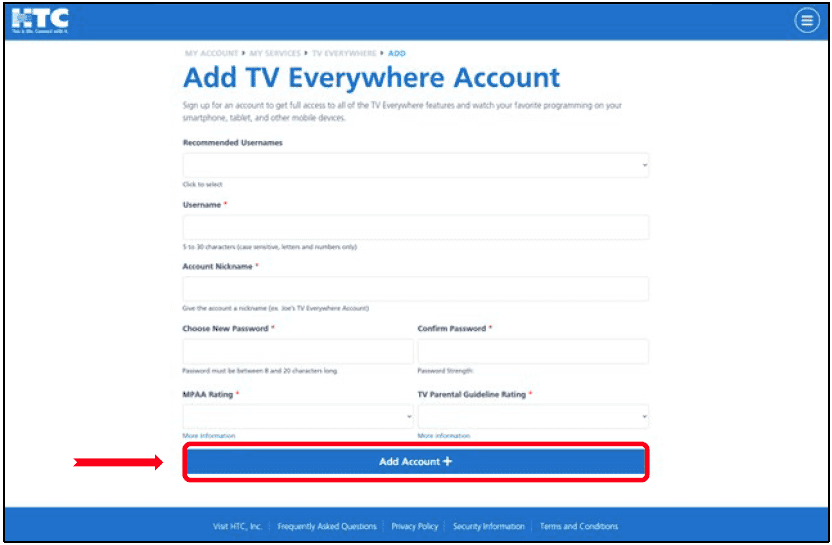
Need to create more than one profile? Repeat the steps. You can have up to three (3) profiles.
Now that you’ve signed up, visit this page to see all the networks you can stream on your device.
