

Step 3: Connect to Wi-Fi
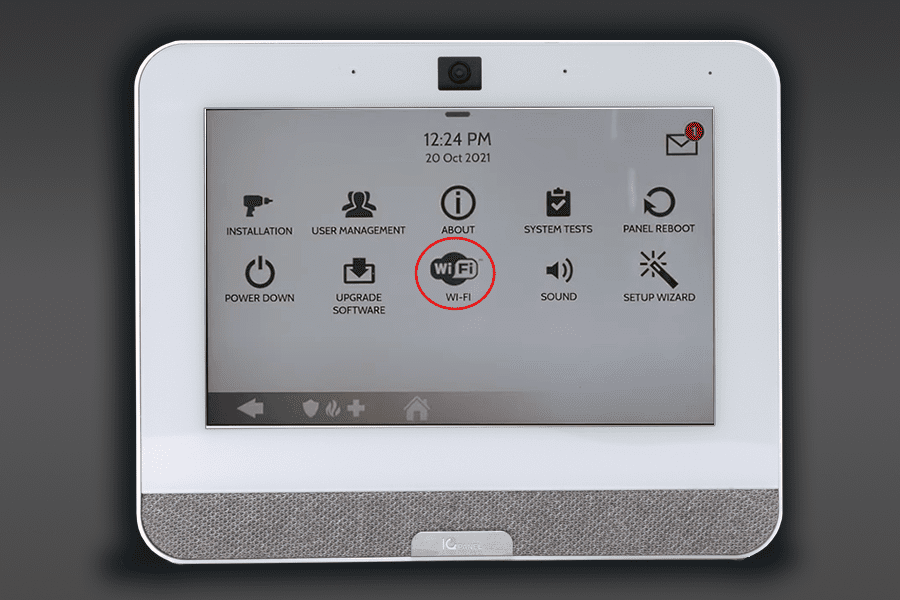
- Scroll to the Wi-Fi settings screen found at the end of the on-screen pages
- Click on “Details” or “Connect”
- Choose your Wi-Fi Network
- If prompted for a user access code, use “1234”
- Enter your Network Password
Step 3: Connect to Wi-Fi
MO
MO
MO